Label Audit
A model re-checks your confirmed frames and lists likely mistakes, worst first: missed objects, wrong classes, empty boxes. Accept a fix in one click; every fix can be undone.
Labeling is the slow part of computer vision. SentinelLabeler drafts the boxes with AI, puts the uncertain ones in front of you first, and trains the model on your own graphics card. Your footage never leaves your computer.
7 days free, then $15/month or $120/year. Card required; cancel before day 7 and you pay nothing.
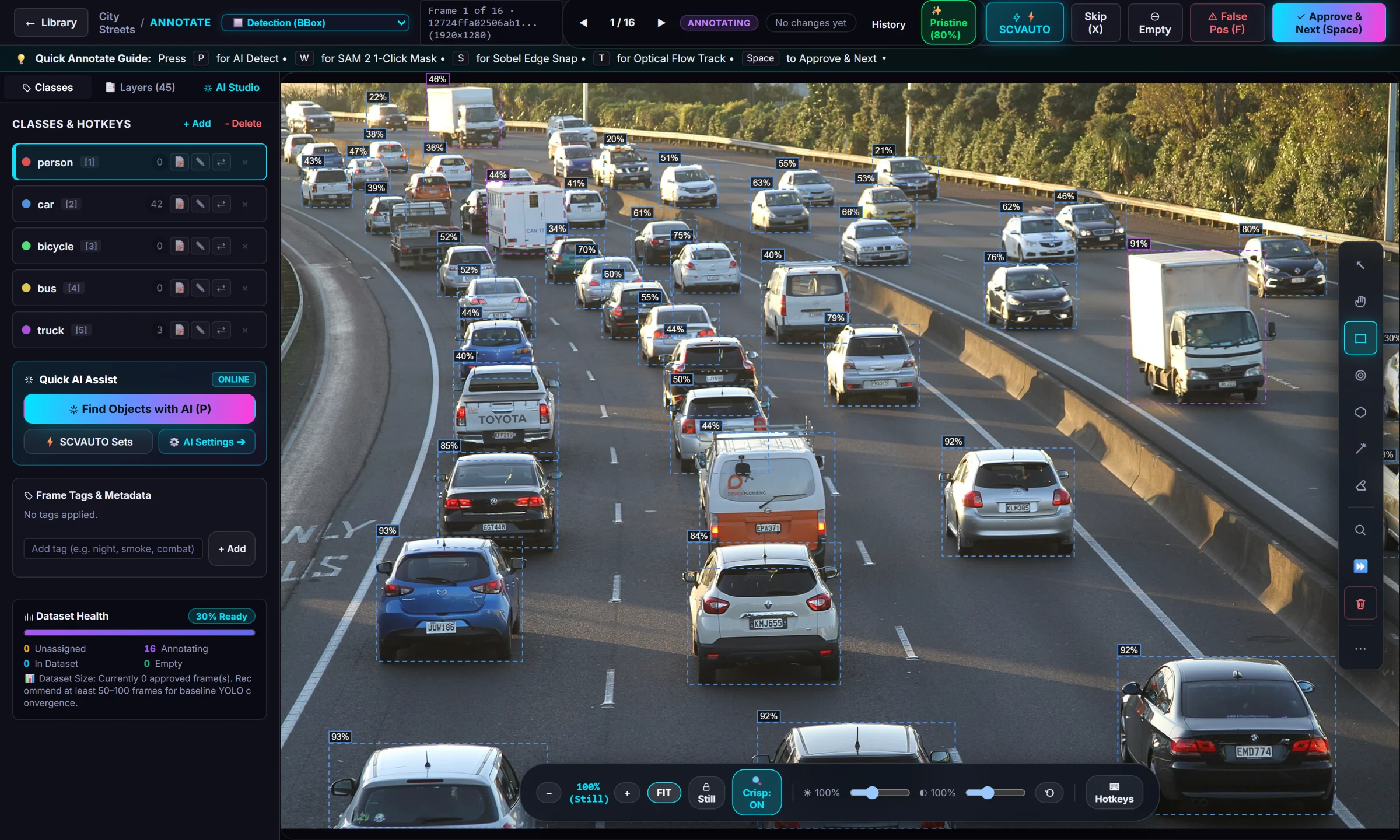
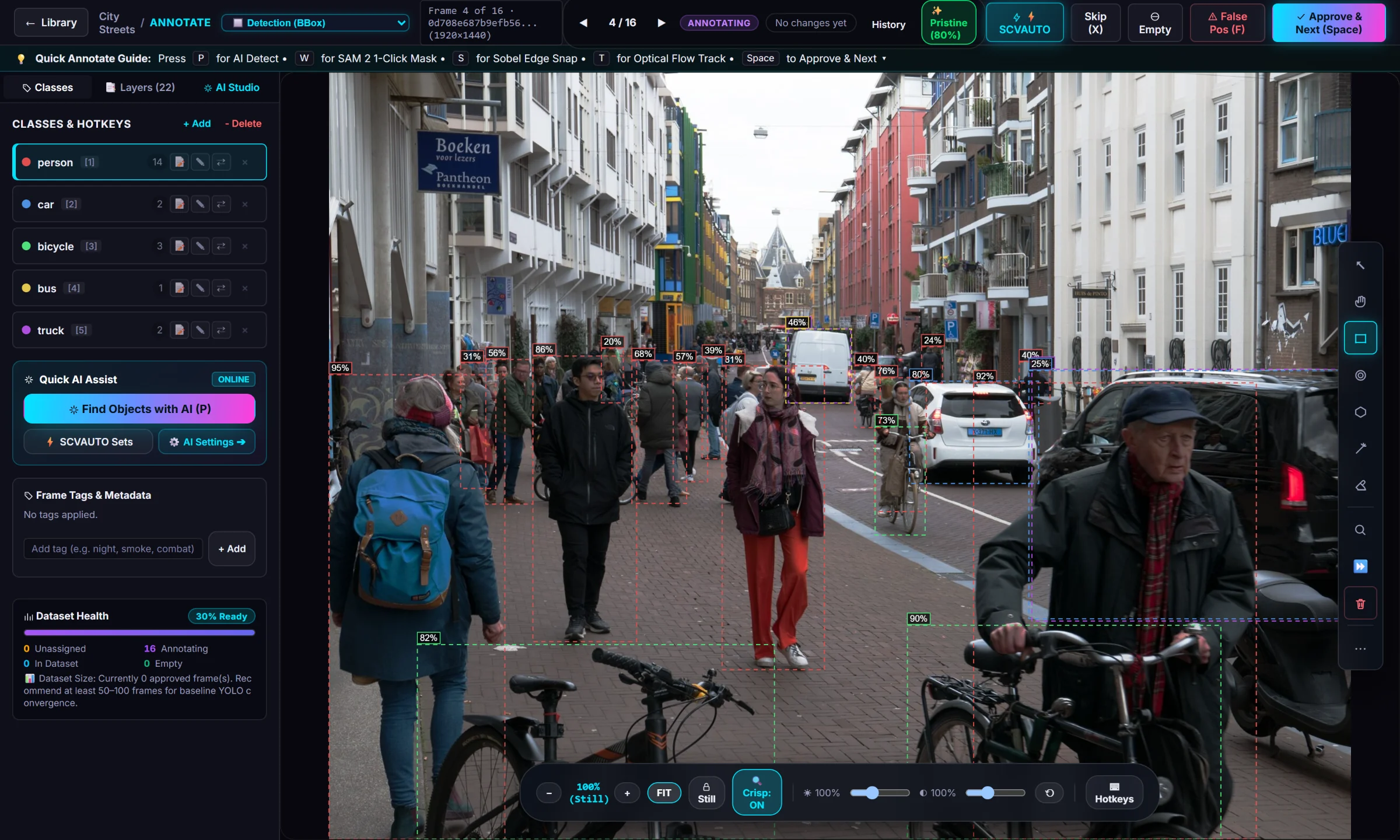
These are the boxes SentinelLabeler's batch auto-label drew on three public photos, exported straight from the app. Hide a class or raise the confidence threshold to see what you would review first.
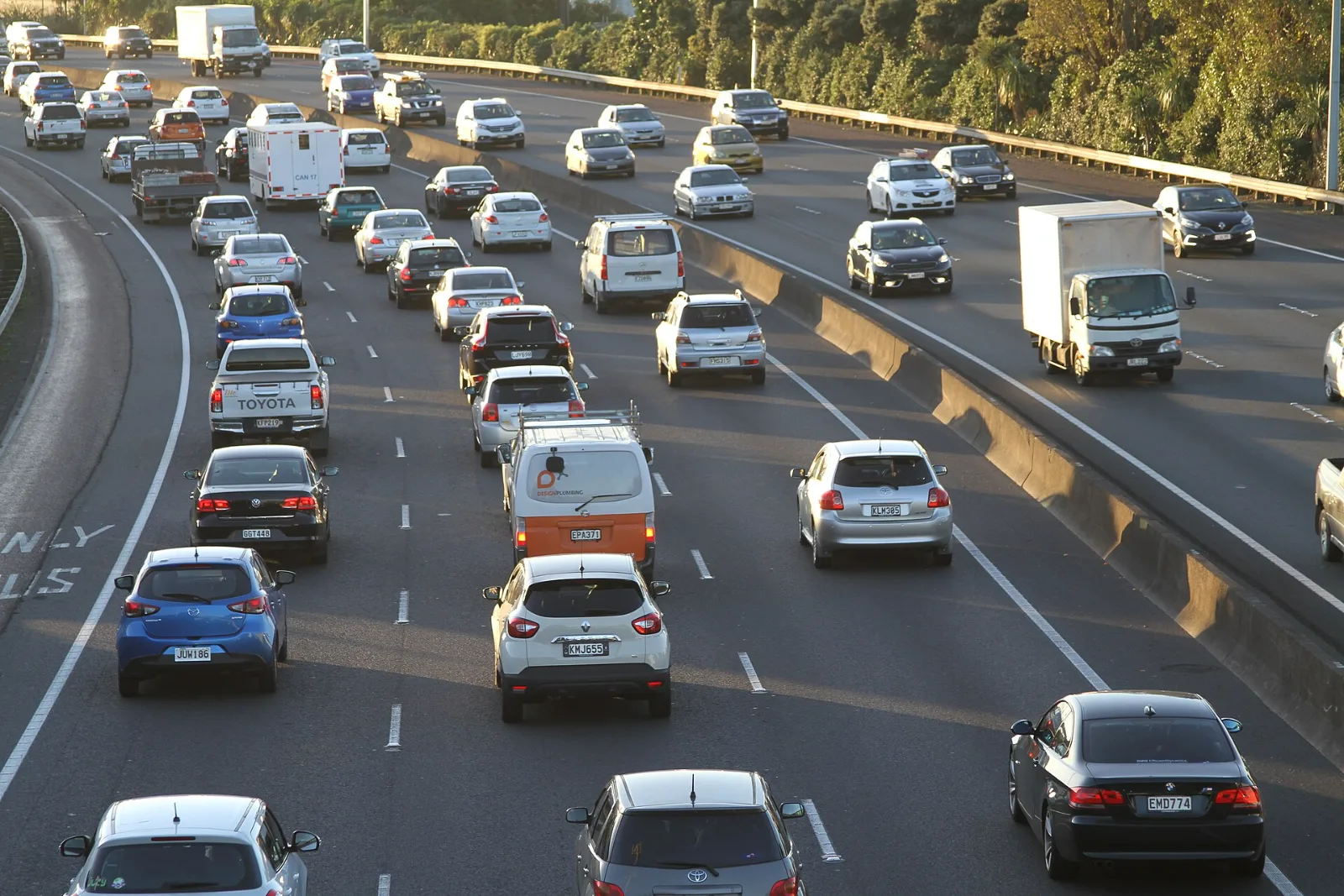
Model: YOLO-World (yolov8s-worldv2) through SentinelLabeler 1.2 batch auto-label, prompted with five class names. Boxes are unedited.
No scripts between tools, no uploading footage to a website, no converting formats by hand.
Drop in videos or image folders. Frames are pulled out, near-duplicates skipped, and blurry ones can be left out.
Type your class names and an open-vocabulary model draws the boxes, or use a model you trained.
Worst-confidence frames first. Accept or reject a whole page of suggestions at once.
Train YOLO or RT-DETR on your GPU, then export the dataset or an ONNX model.
Press P and an open-vocabulary detector finds every object you named. Press W and Segment Anything 2 turns one click into an exact outline. Suggestions are dashed until you approve them, so nothing the AI guessed reaches your dataset by accident.
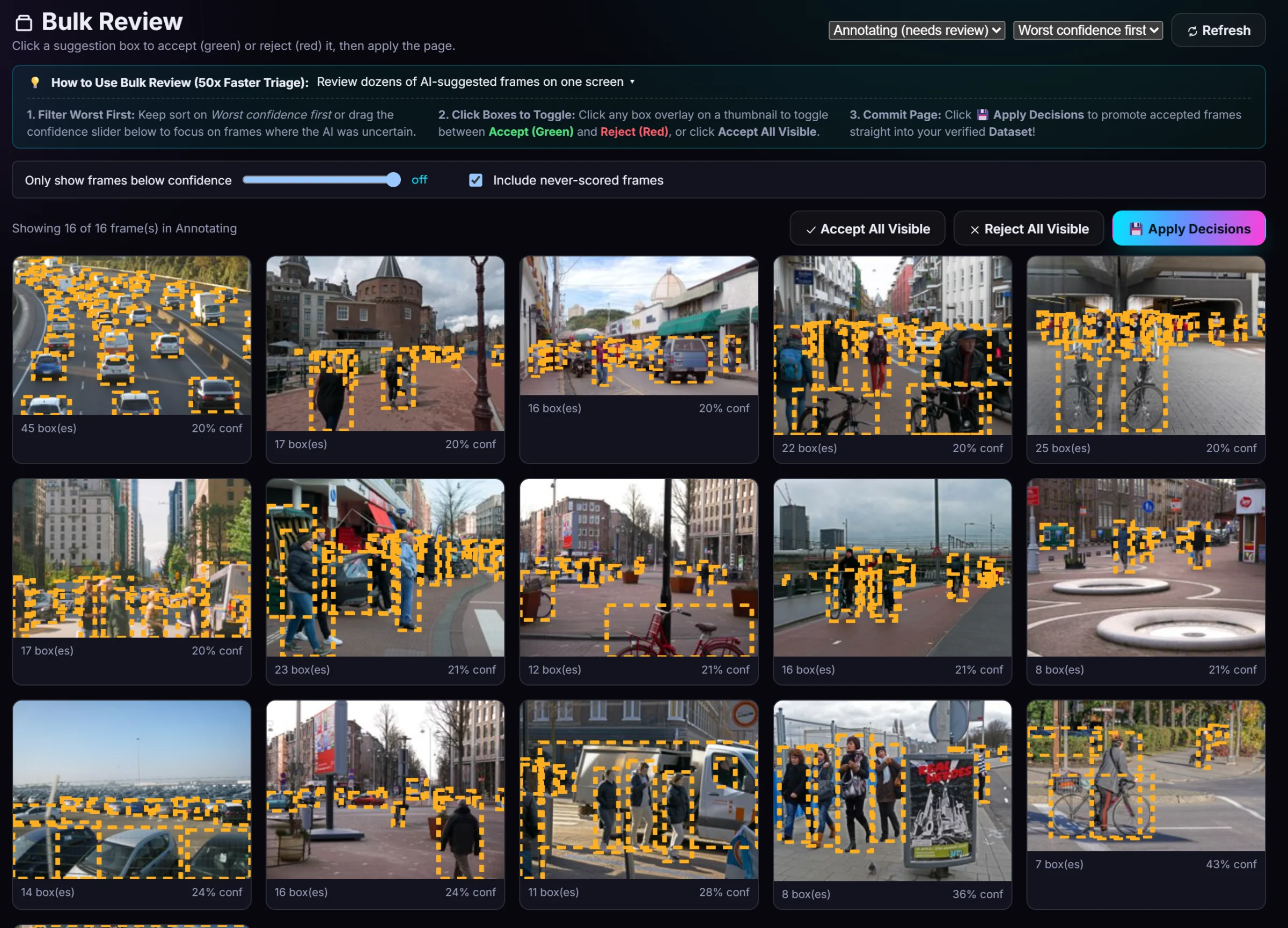
Bulk Review shows every frame the AI touched, sorted with the least confident first, because that is where its mistakes are. Click a box to accept or reject it, then apply the whole page.
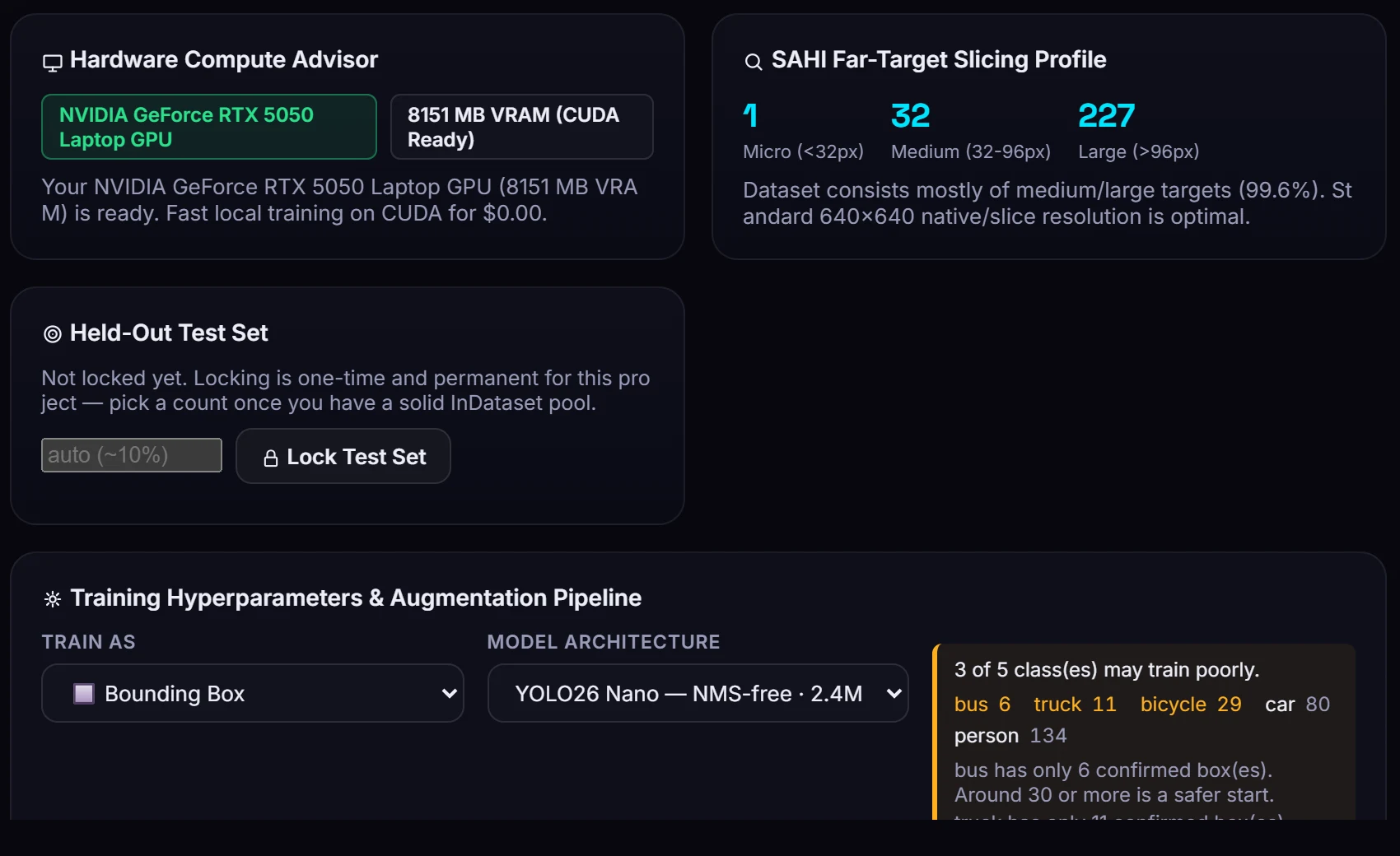
Train Studio finds your GPU, measures your box sizes, and tells you which classes are too thin to learn before you spend an hour on a run that was never going to work.
A missed object teaches a model to ignore it. A near-duplicate in your validation set makes a weak model look strong. SentinelLabeler checks for both.
A model re-checks your confirmed frames and lists likely mistakes, worst first: missed objects, wrong classes, empty boxes. Accept a fix in one click; every fix can be undone.
Finds validation frames that are near-copies of training frames. On one real 36,185-frame project, 29% of the validation frames were.
Before training: which classes have too few boxes. After training: results per class, and the one your model misses most.
See which boxes a person drew and which came from a model, a copy or an estimate between two frames.
Copy the previous frame, fill boxes between two labeled frames, label look-alike frames, and track a box forward up to 60 frames.
A one-page summary of classes, boxes, splits and model scores to send to a client or teammate.
Frames, labels and models are ordinary files in a folder you choose. Nothing you label is uploaded, and nothing is uploaded to train. The app goes online only to check your license, check for updates, and download the AI models the first time you use them.
If your subscription ends you can still open, browse and export every project. Labels are standard YOLO, COCO or VOC files and models are standard ONNX files that work in any other tool.
| System | Windows 10 or 11, 64-bit |
|---|---|
| Graphics card | NVIDIA GPU for training and fast AI labelingLabeling by hand works on any PC; the AI tools also run on the processor, more slowly. |
| Label types | Bounding boxes, polygons, pose keypoints, rotated boxes (OBB), semantic masks |
| AI labeling | YOLO-World open-vocabulary detection, Segment Anything 2.1, your own trained models |
| Training | YOLO11, YOLO26, RT-DETR on your own GPU |
| Export | YOLO, COCO, Pascal VOC datasets; models as ONNX |
| Input | Video files and image folders (JPEG, PNG, BMP, WebP, GIF) |
| Setup | One installer. The AI tools install themselves on first run, matched to your graphics card. |
Unlimited projects and frames. Start with 7 days free.
Billed monthly. Cancel any time.
$10 a month, billed once a year.
Card required for the trial. Cancel before day 7 from Account → Manage billing and you are not charged. Full pricing details
No. Your frames, labels and models stay in a folder on your PC. The app only contacts our server to check your license (your key and a hashed ID of your PC) and to check for updates.
For training, yes. Labeling by hand works on any Windows PC, and the AI labeling tools also run on the processor, just more slowly.
Yes. Export to YOLO, COCO or Pascal VOC, and trained models export as ONNX. Your projects stay readable and exportable even if your subscription ends.
New customers get 7 days free on either plan. You add a card at checkout and nothing is charged until day 7. Cancel before then from Account → Manage billing and you pay nothing. One trial per customer.
No. It started with gameplay and camera footage, which is why the video tools are strong, but it works with any images: street scenes, products, wildlife, inspection photos.
7 days free. Runs on your PC. Cancel any time.